SecureBin is a portable private security platform for protecting files, controlling access, and carrying your digital tools wherever you go.
SecureBin combines portable hardware with SecureBin OS, encrypted storage, controlled access, and private applications.
A private environment for managing protected files, permissions, applications, and supported SecureBin services.
Give sensitive records a defined portable home instead of scattering them across accounts and devices.
Use private applications and utilities with access that is intentional instead of automatically trusted.
Start with SecureBin and 16GB of private storage for $29.99. Add connected services only when they make sense for you.
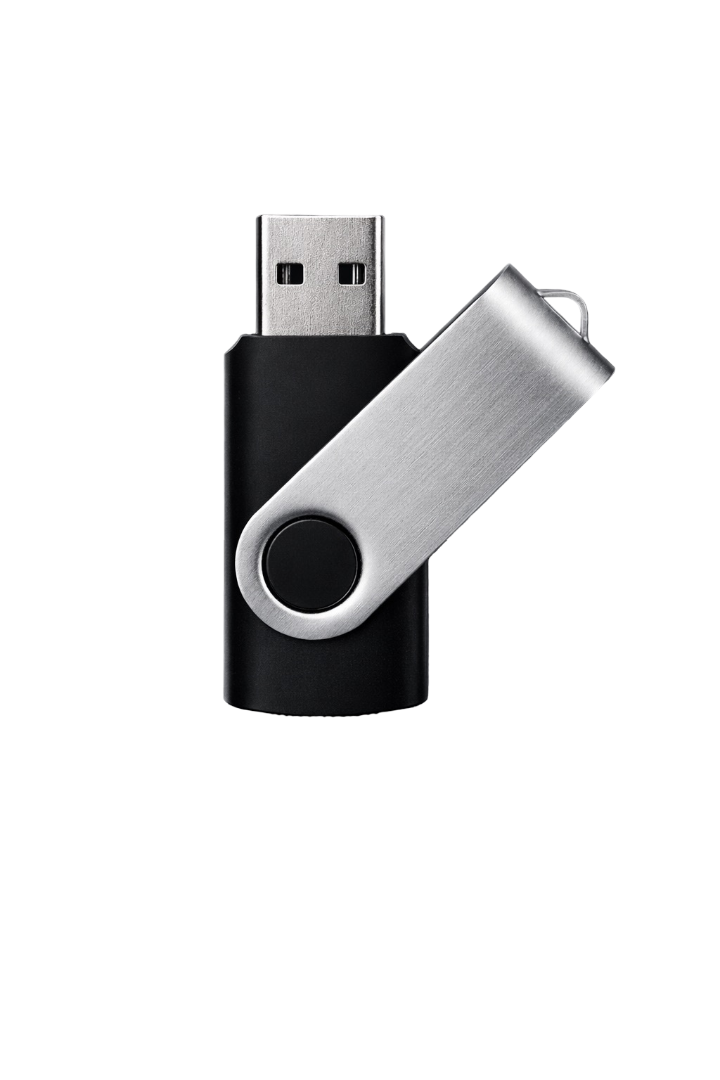
Portable private storage powered by SecureBin OS for protected files, private apps, and permission-controlled access.
Compare models at us-securebin.com/products →
SecureBin OS provides the private environment behind your SecureBin experience.
Install supported private apps and decide what each one can access.
Add backup options when you want recovery without giving up control.
Keep your device current with security and performance improvements.
Take private tools and files with you in one SecureBin environment.
Keep important files protected while taking them wherever you need them.
Your files stay private until you choose to access or share them.
Manage protected files, permissions, applications, and supported services from one interface.
Safeguards reduce unnecessary exposure when access looks wrong.
Choose what each app can use before it reaches your files.
SecureBin is a portable private security platform designed for privacy, ownership, and control.
Security starts with keeping sensitive data contained, not scattered across services by default.
The hardware provides portability. SecureBin OS and the SecureBin ecosystem provide the experience.
Fewer hidden assumptions and more confidence about where your information actually lives.
SecureBin keeps authority close to the person those files belong to.
We're continuing to improve SecureBin with real-world feedback from people who care about keeping sensitive files private.
Choose your SecureBin and support the next production run with a direct purchase.
Choose your SecureBinKeep identity records, financial documents, private media, and backups close at hand.
Explore featuresChoose tools for notes, passwords, media, files, and more while controlling their access.
Browse appsCommon questions about SecureBin.
